The Special Intensive Revision (SIR) 2025 launched by the Election Commission of India (ECI) is a major nationwide exercise to update and verify the electoral rolls. Unlike routine updates, SIR involves door-to-door verification by Booth Level Officers (BLOs) to ensure that only genuine, eligible voters remain on the list and no deserving citizen is left out.
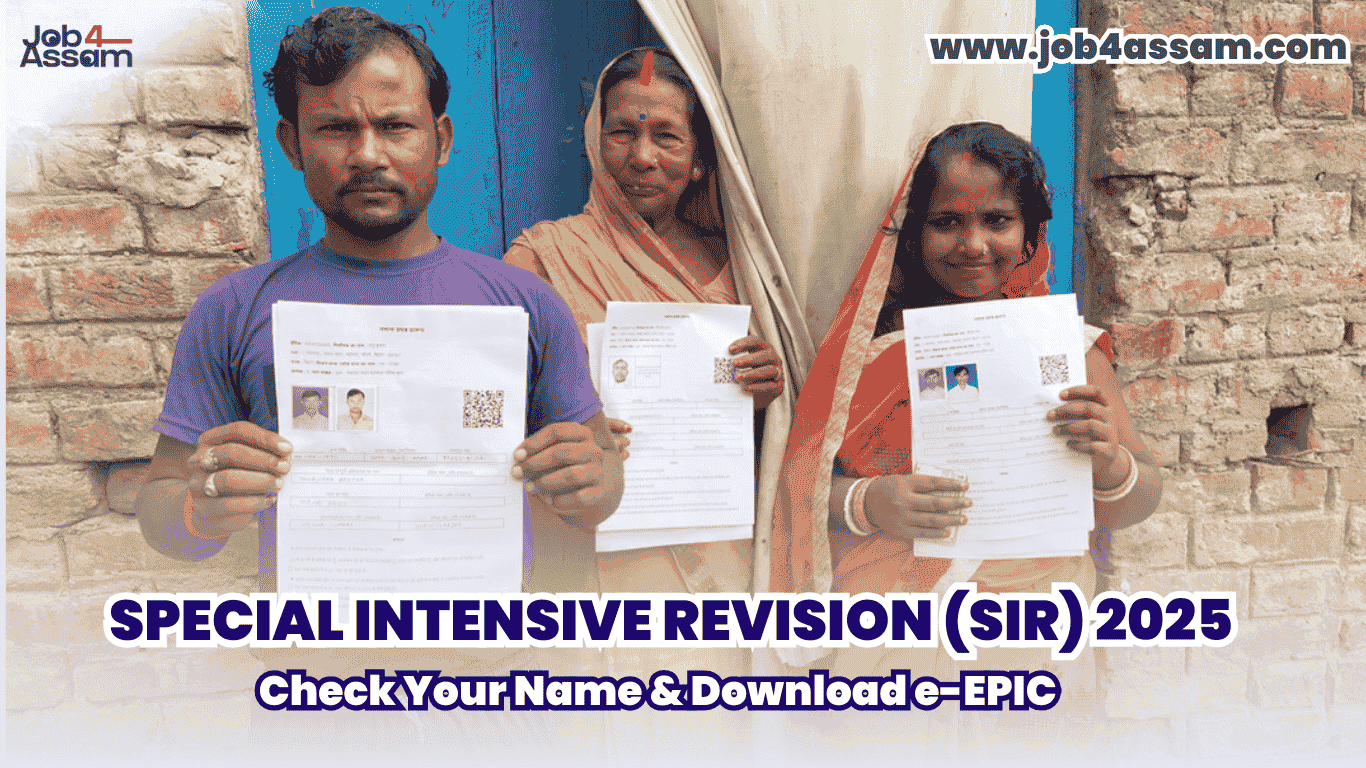
With many states currently under SIR, millions of voters are searching online about how to check their name in SIR voter list, download e-EPIC voter ID, and correct errors in voter records. This guide explains everything in simple steps.
Election Commission of India (ECI): CLICK HERE
What Is Special Intensive Revision (SIR)?
SIR (Special Intensive Revision) is conducted when a comprehensive re-verification of voter data is necessary. BLOs physically verify households to:
- Confirm existing voters
- Add new eligible voters
- Delete duplicate or shifted entries
- Update incorrect names, ages, photos, or addresses
This differs from Special Summary Revision (SSR), which is the regular annual revision without door-to-door verification, and Special Revision (SR) currently used only in selected regions like Assam for demographic verification purposes.
How to Check Your Name in the SIR 2025 Voter List
Follow these steps to check voter name online during SIR:
Step 1: Visit the Official Voter Portal
Go to the Election Commission’s official website or use the Voter Helpline App.
Step 2: Choose “Search in Electoral Roll”
Search using:
- EPIC (Voter ID) Number, or
- Name + Father’s/Mother’s Name + Date of Birth, or
- Mobile Number
Step 3: View Your Details
Confirm your:
- Name & photograph
- Address
- Polling station details
If your name is found correctly, no action is required.
Check your name in the electoral roll: CLICK HERE
What If Your Name Is Missing or Wrong?
During SIR, corrections are very common and easy to submit online.
✅ Apply Online Using These Forms:
- Form 6 – New voter registration / inclusion
- Form 8 – Correction of details (name, DOB, address, photo)
- Form 7 – Deletion of duplicate or shifted voter entries
Upload supporting documents such as:
- Aadhaar Card
- Ration Card
- Passport
- Address proof
- Age proof
After submission, a BLO visit may occur to verify details at your residence.
Apply for new voter registration (Form 6): CLICK HERE
Correct voter details using Form 8: CLICK HERE
Apply for deletion or objection (Form 7): CLICK HERE
How to Download e-EPIC Voter ID
You can download your Digital Voter ID (e-EPIC) anytime once your record is active.
Steps to Download e-EPIC:
- Visit the ECI voter portal
- Click Download e-EPIC
- Enter:
- EPIC number or
- Registered mobile number
- Receive OTP
- Download your PDF voter ID card
The e-EPIC can be used just like the physical card for identification purposes.
Download e-EPIC voter ID online: CLICK HERE
Find your EPIC number: CLICK HERE
Difference Between SIR, SR & SSR
| Revision Type | Purpose | Verification |
|---|---|---|
| SIR | Deep voter list cleanup | Door-to-door BLO visit |
| SR (Assam) | Special demographic validation | Targeted verification |
| SSR | Annual routine update | No home verification |
If you are unsure which revision applies to your state, check your local Chief Electoral Officer (CEO) website.
Assam Chief Electoral Officer (SR State): CLICK HERE
FAQ – Special Intensive Revision (SIR) 2025
Q2. How do I check my name in the SIR voter list?
Visit the official voter portal or Voter Helpline App and search using your EPIC number or personal details.
Q3. How can I download e-EPIC?
Login to the voter portal, enter your EPIC number or mobile number, verify OTP, and download your e-EPIC PDF.
Q4. What if my name is missing from the list?
Submit Form 6 for inclusion or Form 8 for corrections online. A BLO may visit for verification.
Which states are under SIR 2025?
SIR is active in multiple states and UTs. Check your State CEO website to confirm whether your area is under SIR, SR, or SSR.